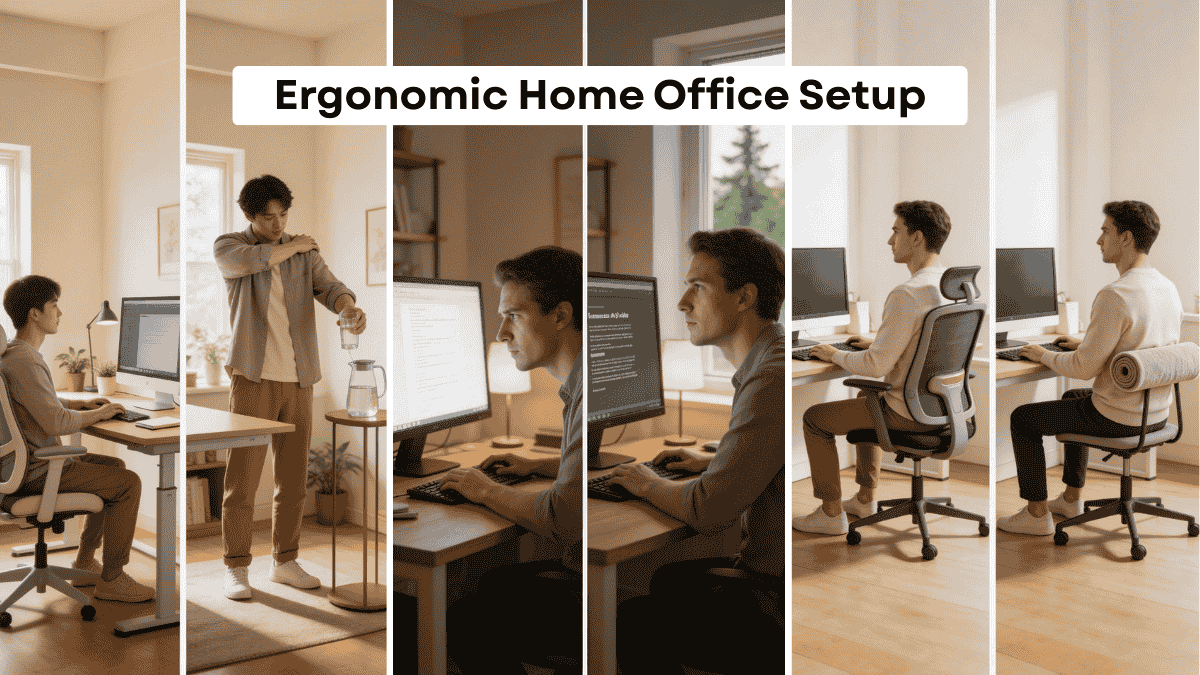
Working from home sounds peaceful in theory. You picture a calm desk, a cup of coffee nearby, and a quiet space where you can focus. But in reality, many people end up working from the kitchen table, leaning over a laptop on the couch, or sitting in a chair that was never meant for long hours. After a while the discomfort shows up in stiff shoulders, tired eyes, and a constant need to shift positions.
That is where a thoughtful ergonomic home office setup can make a real difference. When your workspace supports your body properly, work becomes easier and more comfortable. You can focus longer, feel less fatigue, and finish your day without aches and tension.
In this guide we will walk through simple, practical ideas to help you build a workspace that supports both comfort and productivity.
Table of Contents
Start with the Right Desk Height

The foundation of any ergonomic desk setup is the desk height. If the desk is too high, your shoulders lift and strain. If it is too low, you end up leaning forward and putting pressure on your back.
Ideally, your elbows should form a gentle ninety degree angle while typing. Your forearms should rest comfortably on the desk without lifting your shoulders. Many people can achieve this with a standard desk, but sometimes a small adjustment helps. A keyboard tray or a simple desk riser can bring everything into a more comfortable position.
When your desk height feels natural, your body relaxes without effort. It might seem like a small change, but it makes long work sessions much easier.
Choose a Chair That Supports Your Back
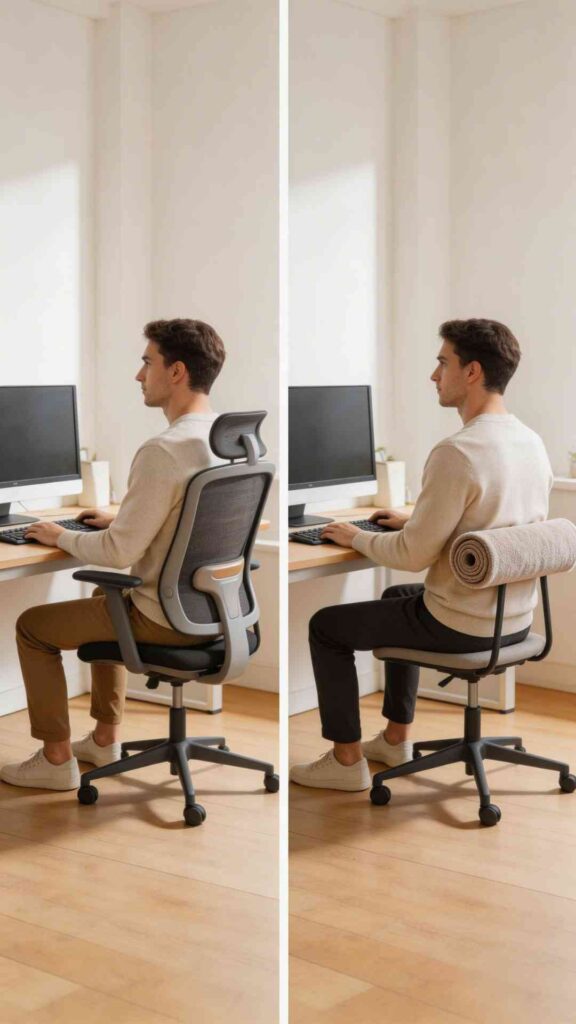
A supportive chair is one of the most important parts of a healthy workspace. Many people focus on the desk or technology, but the chair is what supports your body all day.
Look for a chair that supports the natural curve of your lower back. Your feet should rest flat on the floor and your knees should stay level with or slightly lower than your hips. This posture encourages better circulation and reduces tension in the lower back.
If replacing your chair is not possible, you can still improve comfort. A small lumbar cushion or rolled towel behind the lower back can help create better support in your ergonomic workspace ideas.
Position Your Monitor at Eye Level

The way your screen is positioned affects your neck more than you might think. When the monitor sits too low, you constantly look downward, which slowly strains the neck and shoulders.
The top of the screen should sit roughly at eye level. This keeps your head upright and balanced over your spine. If you work from a laptop, placing it on a stand or a stack of books can help raise the screen.
Once the screen is at the right height, pair it with a separate keyboard and mouse. This simple adjustment turns an ordinary desk into a far more comfortable ergonomic home office setup.
Keep Your Keyboard and Mouse Close
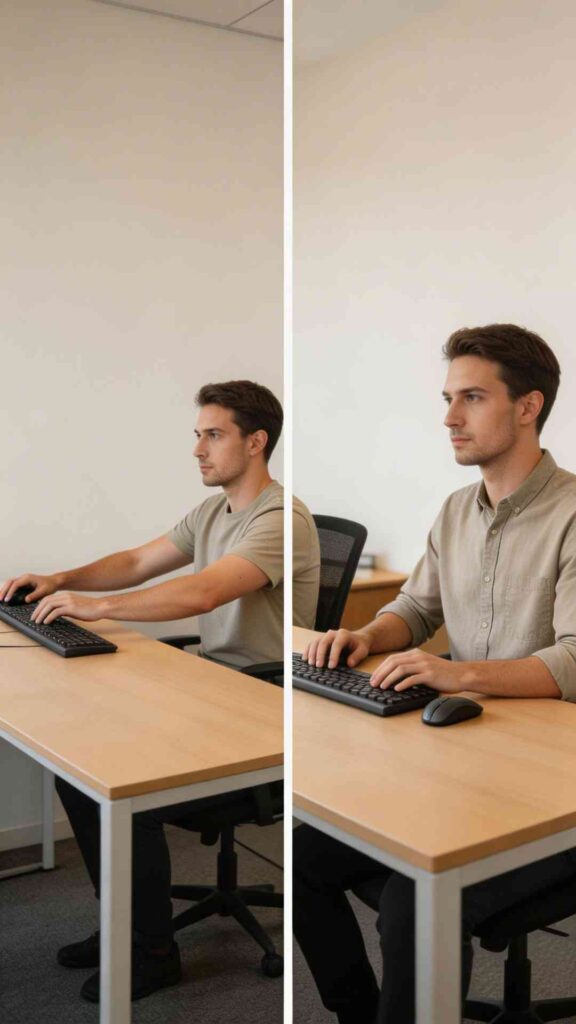
Many people unknowingly place their keyboard or mouse too far away, which forces the arms to reach forward. Over time this creates tension in the shoulders and upper back.
A comfortable position keeps the keyboard close to your body. Your elbows should stay near your sides and your wrists should remain straight while typing. The mouse should sit right beside the keyboard so your arm does not stretch outward.
These small adjustments are often overlooked, but they are essential healthy desk setup tips that reduce fatigue throughout the day.
Also See: 12 Minimalist Home Office Ideas for a Clean Workspace
Let Natural Light Guide Your Workspace
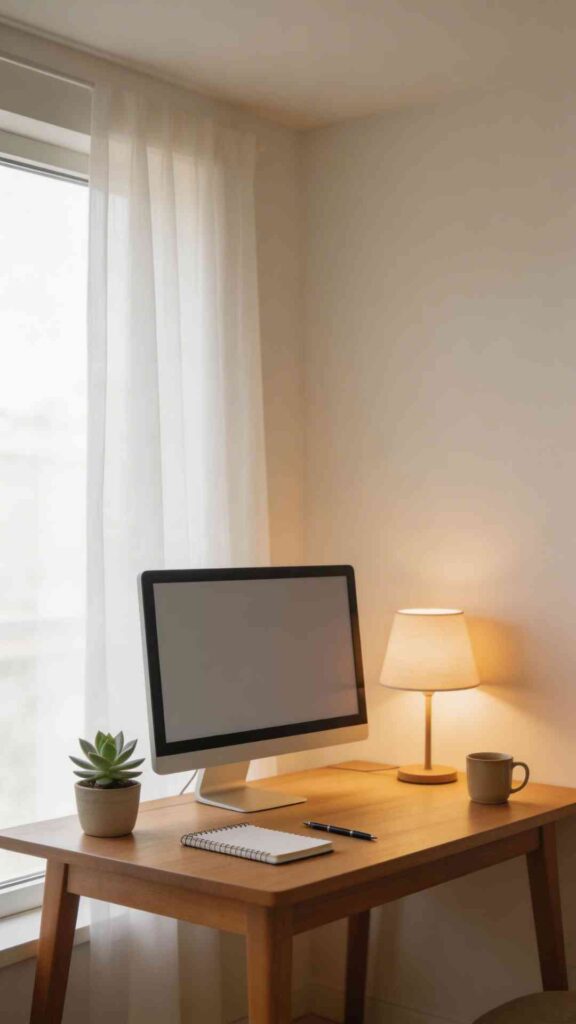
Lighting affects both comfort and concentration. Poor lighting can lead to eye strain, headaches, and reduced focus.
If possible, position your desk near a window where natural daylight gently fills the room. Natural light helps regulate energy levels and makes a workspace feel calmer. Try to place the screen perpendicular to the window rather than directly facing it to avoid glare.
Soft table lamps can also help in the evening. Warm light creates a comfortable atmosphere while keeping the space functional for late work sessions.
Add Movement to Your Day
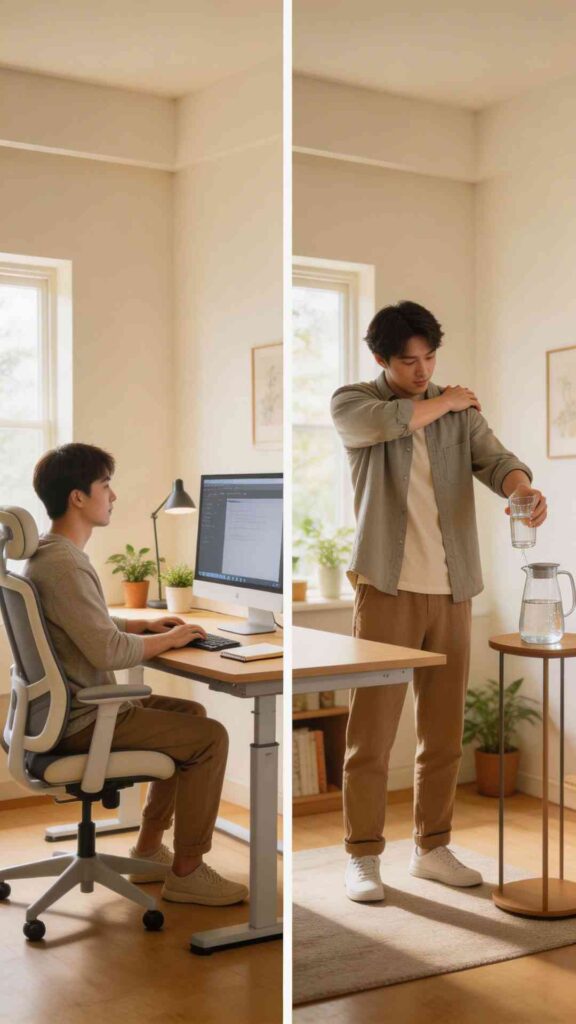
Even the best ergonomic home office setup cannot replace movement. Our bodies are simply not meant to sit in one position for hours.
A helpful habit is to stand or stretch every thirty to forty five minutes. Walk to refill your water, stretch your shoulders, or simply stand for a few minutes. These short breaks improve circulation and refresh your focus.
Some people also enjoy alternating between sitting and standing desks. But even simple movement throughout the day can keep your body feeling balanced and energized.
Create a Calm and Organized Desk
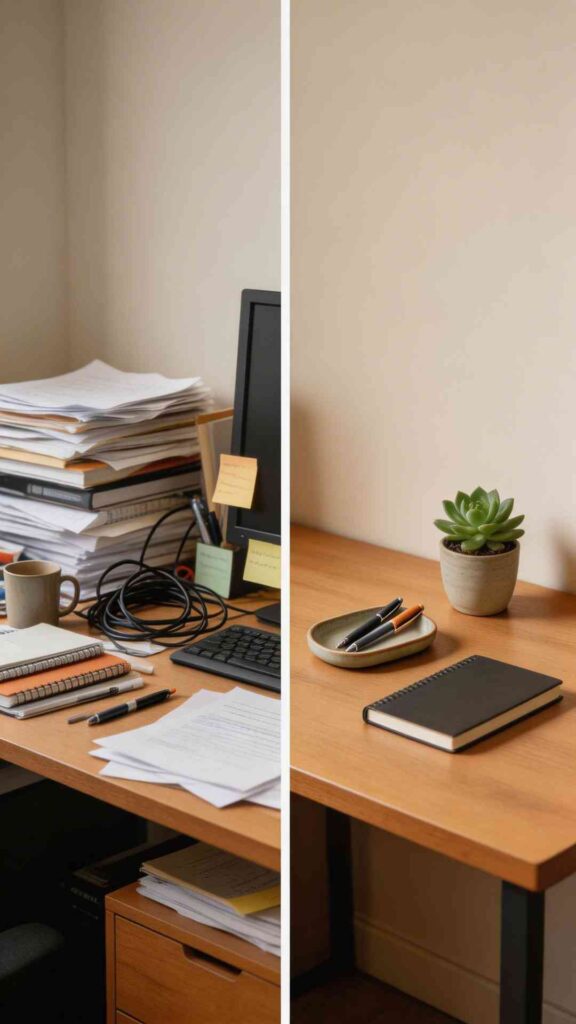
A cluttered desk can quietly increase stress. When papers, cables, and objects pile up, your mind works harder to stay focused.
Keeping your desk simple creates a calmer environment. A small tray for stationery, a notebook, and a plant can be enough. Natural materials such as wood, ceramic, or linen help the space feel warm without adding visual noise.
Minimal organization is not about perfection. It simply helps your workspace stay clear and welcoming, which supports productivity in subtle ways.
Protect Your Eyes from Screen Fatigue
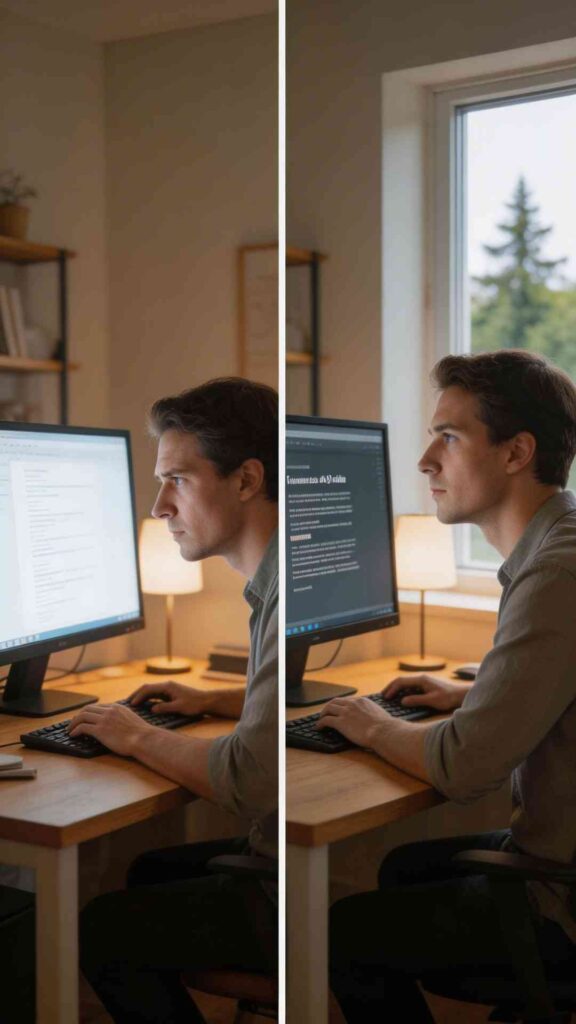
Digital work often means many hours looking at a screen. Without the right habits, eyes can feel tired and dry by the end of the day.
A simple rule known as the twenty twenty twenty guideline can help. Every twenty minutes, look at something twenty feet away for about twenty seconds. This relaxes the eye muscles and reduces strain.
You can also increase text size slightly and reduce screen brightness to match the room lighting. These gentle adjustments support a healthier ergonomic desk setup.
Also See: Seasonal Home Maintenance Checklist: What to Do in Every Season
Keep Frequently Used Items Within Reach

Think about the items you use most during the day. Your notebook, water bottle, headphones, or planner should be easy to reach without stretching.
When everything is within a comfortable arm’s distance, your body stays relaxed. This is one of the simplest home office ergonomics improvements you can make.
Small organizers or drawer trays can help create designated spots for everyday items. Over time, this simple system keeps your workflow smooth and comfortable.
Personalize the Space with Comfort in Mind
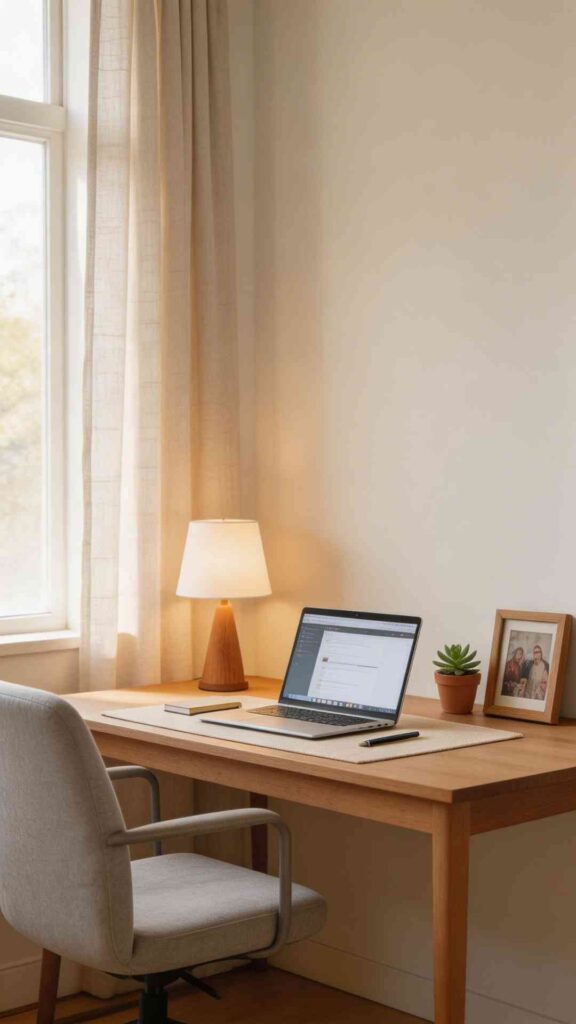
A workspace should support productivity, but it should also feel like a pleasant place to spend time. Personal touches can help the room feel welcoming without creating distraction.
A framed photo, a small plant, or a soft desk lamp can bring warmth to the space. Natural textures such as cotton desk mats or linen curtains add softness and balance.
When your workspace feels calm and comfortable, it becomes easier to focus and settle into a productive rhythm.
Also See: 14 DIY Home Maintenance Tips Every Homeowner Should Know
Conclusion
Creating a comfortable workspace does not require a complete redesign or expensive furniture. Often the biggest improvements come from thoughtful adjustments. A supportive chair, the right desk height, better lighting, and simple organization can transform the way your body feels during the workday.
An intentional ergonomic home office setup supports both comfort and focus. When your workspace works with your body rather than against it, productivity becomes more natural. Start with one or two changes and observe how your body responds. Over time these small improvements build a workspace that feels balanced, calm, and genuinely supportive for everyday work.